Tiancheng Zhixian (Shenzhen) Technology Co., Ltd.
News

What Makes the 7 Inch Open-Frame Touchscreen Monitor the Smart Choice for Embedded Systems

2026-11-25 0 Leave me a message

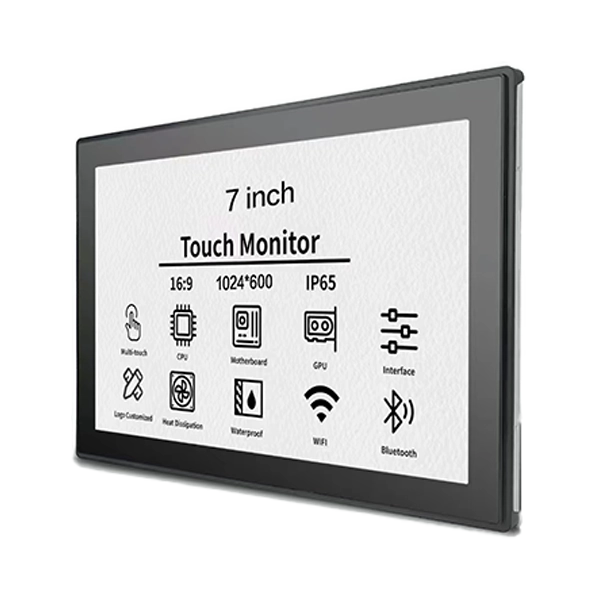
When you need a compact, reliable, and easily integrated display solution, the 7 Inch Open-Frame Touchscreen Monitor from SKY-TDM stands out as a versatile building block for kiosks, industrial controls, medical devices, and interactive terminals. Unlike a consumer tablet, an open-frame monitor is designed to be mounted into your own enclosure—giving engineers the freedom to create sleek, purpose-built products. In this blog, we explore why this specific size and form factor have become a favorite among system integrators, and how SKY-TDM's expertise in touch panel technology ensures you get a dependable component that simplifies development and accelerates time-to-market.

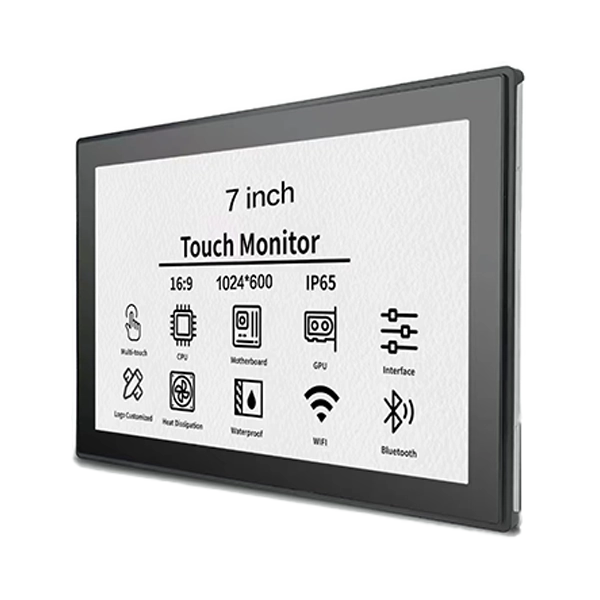
7 Inch Open-Frame Touchscreen Monitor

Table of Contents


What Is a 7 Inch Open-Frame Touchscreen Monitor?

A 7 Inch Open-Frame Touchscreen Monitor is a display assembly that includes the LCD panel, touch sensor, and driver board—but without a full enclosure or bezel. The “open-frame” design exposes the mounting holes and electrical interfaces, allowing you to bolt the monitor directly into your product's front panel or housing. The 7-inch diagonal (approximately 17.8 cm) offers a sweet spot between visibility and compactness, making it ideal for handheld devices, benchtop instruments, and space-constrained control panels.

SKY-TDM manufactures these monitors with a variety of touch technologies (resistive, capacitive, and PCAP) and optional optical bonding for sunlight readability. The open-frame construction also supports easy customization: you can specify the cable orientation, connector type, and even the cover glass thickness. This flexibility is a key reason why the 7 Inch Open-Frame Touchscreen Monitor has become a go-to component for OEMs and system integrators worldwide.


Why Choose a 7 Inch Open-Frame Touchscreen Monitor?

There are several compelling reasons to select a 7-inch open-frame monitor for your next project:

  • Space efficiency: The small footprint fits into tight enclosures without sacrificing readability.
  • Design freedom: Because there is no pre-made bezel, your industrial design team can create a seamless front panel that matches your product’s aesthetics.
  • Cost-effective integration: You avoid paying for a redundant housing, and assembly is straightforward with standard mounting holes.
  • Reliability: SKY-TDM’s open-frame monitors are built with industrial-grade components, rated for wide temperature ranges and continuous operation.
  • Touch options: Choose from resistive (glove-friendly), projected capacitive (multi-touch), or surface capacitive technologies to match your user interaction needs.
  • Long-term availability: Unlike consumer tablets, these monitors are designed for long product lifecycles, with stable supply and change notification processes.

Additionally, the 7 Inch Open-Frame Touchscreen Monitor is often preferred over larger sizes when the application requires a compact user interface—such as a portable medical diagnostic device or a compact industrial HMI. The 7-inch size is large enough to display clear graphics and touch targets, yet small enough to keep the overall product portable or panel-mount friendly.


How Do You Integrate a 7 Inch Open-Frame Touchscreen Monitor?

Integrating an open-frame monitor is straightforward but requires attention to a few key details. Here’s a step-by-step overview:

  1. Mounting: Use the pre-drilled holes on the frame’s edges to secure the monitor to your front panel. Ensure proper grounding to avoid electrical noise.
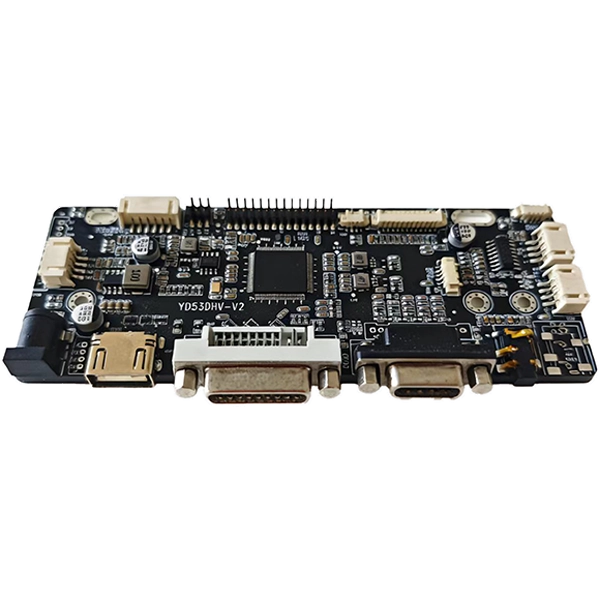
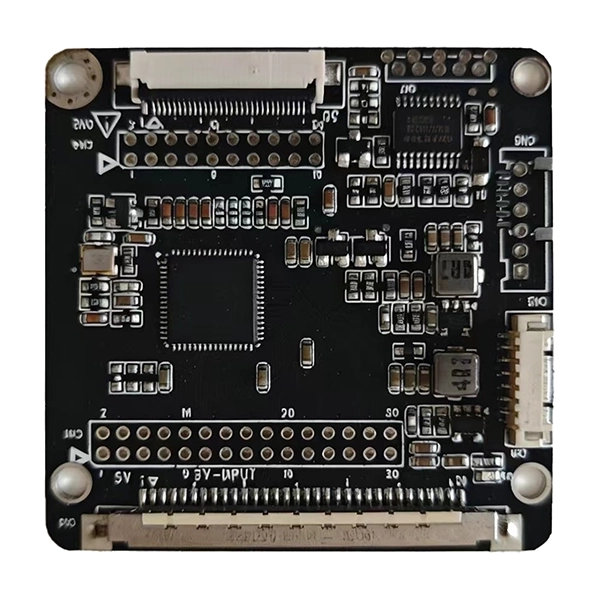
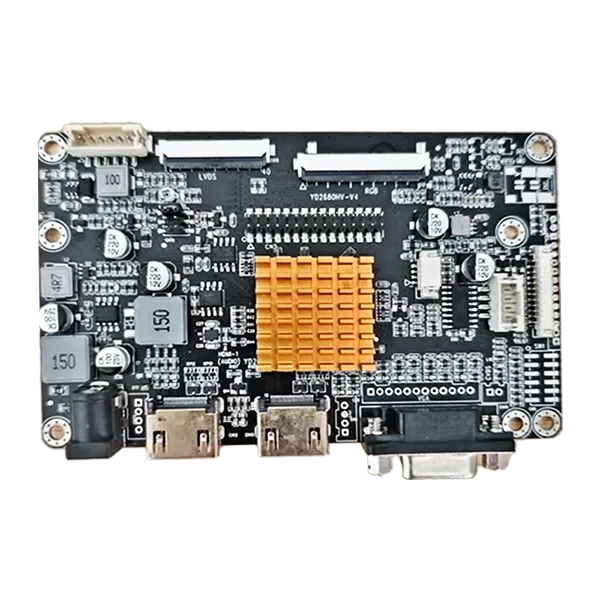
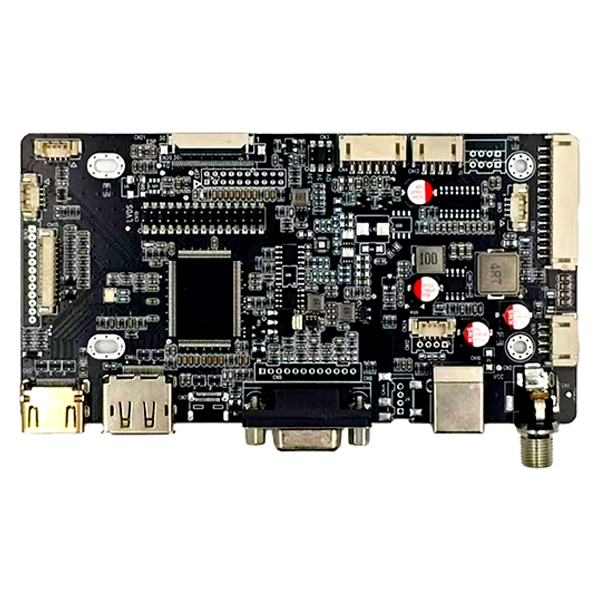
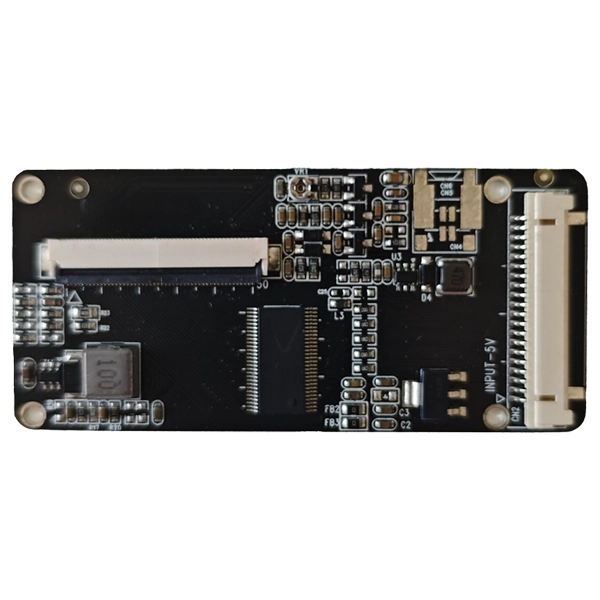
  2. Display interface: Connect the video input (typically HDMI, VGA, or LVDS) to your host controller. Many SKY-TDM models also offer an optional driver board with USB touch output.
  3. Touch interface: For capacitive touch, the USB cable provides both power and data. For resistive touch, you may need a serial or USB controller—check the specification.
  4. Power: Provide the required DC voltage (usually 12V or 5V) through the designated connector. Ensure the power supply is clean and within the specified tolerance.
  5. Environmental sealing: If your enclosure needs IP protection, design a gasket or bezel that compresses against the monitor’s front glass. SKY-TDM can advise on the best sealing approach.
  6. Testing and calibration: After installation, run touch calibration routines (if required) and verify display brightness and color uniformity.

For a smoother integration, SKY-TDM offers technical documentation, 3D models, and direct engineering support. You can also request a pre-assembled cable kit to reduce assembly time.


Which Applications Benefit Most from This Monitor?

The 7 Inch Open-Frame Touchscreen Monitor shines in applications where space is limited but a rich user interface is required. Key sectors include:

  • Industrial automation: HMI panels for CNC machines, packaging equipment, and process control.
  • Medical devices: Patient monitors, infusion pumps, and portable diagnostic instruments.
  • Kiosks and self-service: Ticketing terminals, check-in stations, and interactive retail displays.
  • Transportation: In-vehicle infotainment, fleet management terminals, and driver consoles.
  • Building automation: Thermostat controls, access control panels, and room booking systems.
  • Test and measurement: Oscilloscopes, spectrum analyzers, and portable testers.

Because the monitor is open-frame, it can be easily adapted to different mounting orientations—landscape or portrait—without redesigning the enclosure. This versatility makes it a popular choice for companies that need a single display platform across multiple product variants.


When Should You Use a 7 Inch Open-Frame Monitor vs. Other Sizes?

Choosing the right display size is critical. Here are some guidelines:

  • Choose 7 inches when: Your device is portable or handheld, the user is within 30–50 cm of the screen, and you need to display simple graphics, numeric data, or a few touch buttons. The 7-inch size also minimizes power consumption and weight.
  • Consider larger (10.1", 12.1", 15") when: The user needs to view complex data, multiple windows, or detailed images from a distance. Larger monitors also offer more touch targets for gloved operation.
  • Consider smaller (4.3", 5") when: The interface is extremely simple (e.g., a few status icons) and space is at an absolute premium.

Beyond size, the open-frame form factor is the right choice when you want to control the front panel design, achieve a flush surface, or reduce total thickness. If you need a quick, drop-in solution with a finished bezel, a closed-frame monitor might be simpler—but you lose design flexibility and often pay more.


Comparison Table: 7 Inch Open-Frame vs. Closed-Frame Monitors

Feature 7 Inch Open-Frame Touchscreen 7 Inch Closed-Frame Monitor
Mounting Directly to your panel via mounting holes; no extra bezel Requires cutout or VESA mount; bezel included
Design flexibility High – you design the front panel Low – fixed appearance
Total thickness Thin (no housing) Thicker due to enclosure
Cost for OEM Lower (no redundant housing) Higher (includes bezel)
Sealing / IP rating Requires your own gasket design Often pre-sealed to IP65
Touch options Resistive, capacitive, PCAP Usually capacitive or resistive
Best for Custom embedded systems, kiosks, medical devices Quick prototypes, retrofits, standalone use

Frequently Asked Questions (FAQ)

Q1: What touch technologies are available for the 7 Inch Open-Frame Touchscreen Monitor?
A1: SKY-TDM offers resistive (4-wire or 5-wire), projected capacitive (PCAP), and surface capacitive touch panels. Each has its own advantages—resistive works with gloves and is cost-effective; PCAP supports multi-touch and gestures; surface capacitive offers good clarity and durability.

Q2: Can I get a custom cover glass or optical bonding?
A2: Yes. SKY-TDM provides custom cover glass thickness, anti-glare or anti-fingerprint coatings, and optical bonding to improve sunlight readability and ruggedness. Please share your requirements with our sales team.

Q3: What is the typical lead time for samples and production orders?
A3: Sample lead time is usually 2–3 weeks for standard configurations. Production lead time depends on order quantity and customization level—typically 4–6 weeks after sample approval.

Q4: Does the monitor come with a driver board and cables?
A4: Most models include a driver board with HDMI/VGA input and USB touch output. Cables can be included or customized. Please specify your host interface when ordering.

Q5: Is the 7-inch open-frame monitor suitable for outdoor use?
A5: With optical bonding and a high-brightness LCD option (up to 1000 nits), it can be used in outdoor kiosks and enclosures. However, you must provide a weatherproof housing and manage heat dissipation.

Q6: Can I get a long-term supply agreement?
A6: Absolutely. SKY-TDM specializes in long-lifecycle industrial products. We offer product change notifications and last-time-buy options to support your production planning.


Get in Touch – Contact Us for Your Custom Project

Ready to integrate the 7 Inch Open-Frame Touchscreen Monitor into your next product? SKY-TDM’s engineering and sales teams are here to help you select the right touch technology, configure the interface, and even design a custom mounting solution. Whether you need a single sample for evaluation or a full production run with long-term supply assurance, we deliver responsive support and competitive pricing. Contact us today to discuss your requirements, request a datasheet, or get a personalized quotation—let’s build something brilliant together.

Related News
Leave me a message
X
We use cookies to offer you a better browsing experience, analyze site traffic and personalize content. By using this site, you agree to our use of cookies. Privacy Policy
RejectAccept