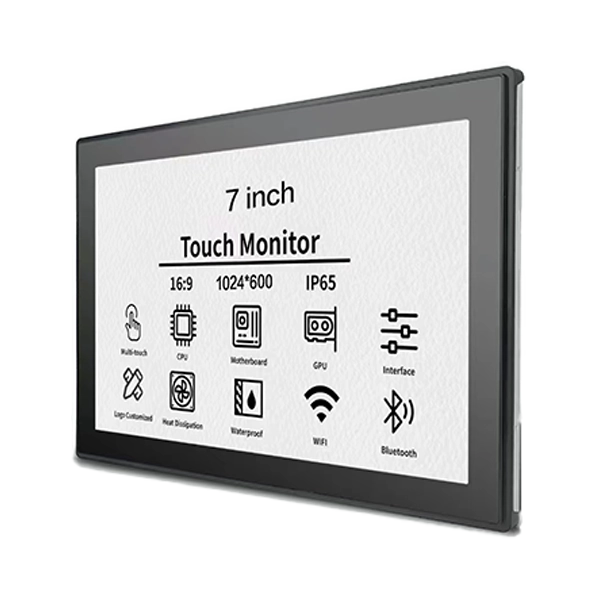
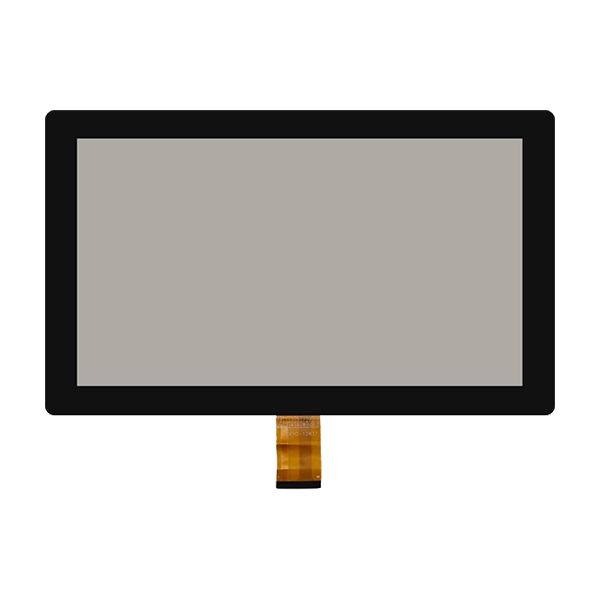
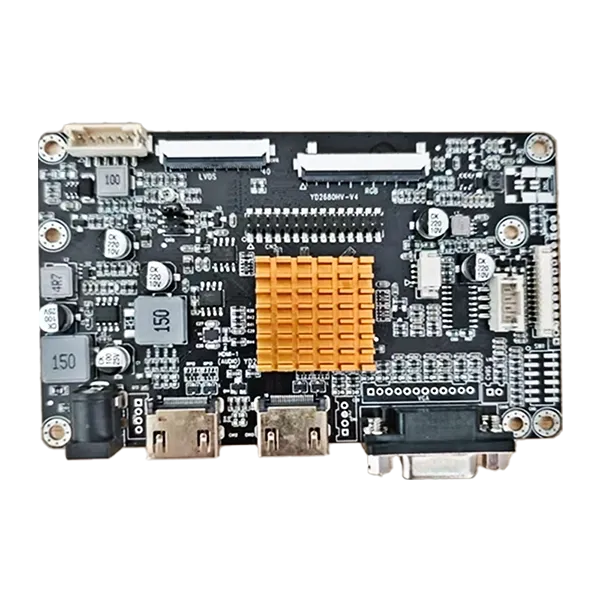
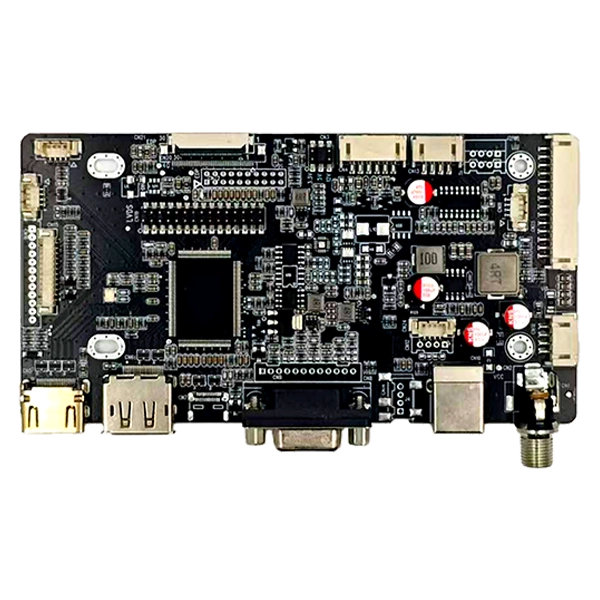
SKY-TDM provides the 7 Inch Open-Frame Touchscreen Monitor for smart home control panels, building video intercoms, access control terminals, and embedded equipment. Combining an industrial-grade IPS display with responsive PCAP multi-touch and flexible mounting options, this compact monitor helps equipment manufacturers create intuitive interfaces tailored to their products.
A 7-inch open-frame touchscreen monitor offers a practical balance between compact dimensions, interactive functionality, and flexible equipment integration. Unlike conventional desktop monitors, its open-frame construction is designed for installation inside custom enclosures, wall panels, kiosks, and embedded systems. Key selection factors include display resolution, brightness, touch sensitivity, connection interfaces, mounting dimensions, and operating conditions. SKY-TDM supports customization options such as high-brightness displays, cover glass treatments, optical bonding, mechanical modifications, and interface adjustments, helping OEMs develop display solutions that match their application requirements.
A 7-inch open-frame touchscreen monitor is a compact interactive display designed to be integrated into equipment rather than used as a standalone desktop screen. It typically combines an LCD panel, touch sensor, controller electronics, and a mounting structure that allows equipment manufacturers to install the display behind a custom front panel.
The open-frame design gives OEM engineers greater control over the appearance, mounting arrangement, and overall dimensions of the finished product. Instead of accommodating a complete consumer monitor enclosure, designers can incorporate the display directly into a wall-mounted control unit, access terminal, or machine housing.
SKY-TDM's model combines an industrial-grade IPS LCD panel with projected capacitive (PCAP) multi-touch technology. Standard HDMI video input and USB touch connectivity simplify integration with compatible host systems, while the metal open-frame structure supports embedded installation.
For manufacturers developing smart home interfaces or building automation equipment, the result is a compact display platform that can be adapted to different enclosure designs and user interaction requirements.
Learn more about the 7 Inch Open-Frame Touchscreen Monitor and its available configuration options.
An IPS LCD panel provides wide viewing angles, helping users read information from different positions around a wall-mounted terminal or control station. This is particularly useful in shared spaces where users do not always face the display directly.
Depending on the selected configuration, display resolution, brightness, contrast, and surface treatment can be matched to the visual requirements of the application.
Projected capacitive touch technology supports intuitive interaction, including tapping, swiping, and other supported multi-touch gestures. It is suitable for graphical interfaces that allow users to navigate menus, adjust settings, and manage connected devices.
For specialized projects, touch performance can be customized to accommodate requirements such as glove operation, water-related touch conditions, or thicker cover glass. These functions should be specified and validated for the intended operating environment.
The open-frame structure allows the monitor to fit into custom equipment housings without the bulk of a conventional external monitor case. Reserved mounting holes and customizable mechanical features can help manufacturers align the display with their enclosure designs.
SKY-TDM describes this product as suitable for 24/7 operation in embedded applications. Actual deployment reliability depends on the complete system design, including ventilation, power quality, temperature, mounting, and usage conditions.
For suitable host hardware and software configurations, the monitor can be integrated with Windows, Linux, Android, and Raspberry Pi-based systems. Confirm video output, touch input, and driver compatibility before finalizing the design.
The small screen size and embedded construction make this monitor particularly useful when equipment needs an interactive interface but has limited installation space.
For example, a smart home system integrator may need a seven-inch display that fits into a predefined wall enclosure while remaining accessible throughout the day. A customized open-frame monitor can align the mounting holes, cable positions, and touch surface with the enclosure, reducing the need to redesign the entire control panel.
When evaluating an application, engineers should also consider viewing distance, ambient light, user access, expected operating hours, and the environmental protection provided by the finished enclosure.
Touch technology directly affects usability, software interaction, and suitability for the working environment. PCAP and resistive touch technologies serve different requirements, so the decision should be based on how users will operate the equipment.
| Comparison Factor | PCAP Touch | Resistive Touch |
|---|---|---|
| Interaction | Supports multi-touch and gesture-based interfaces when configured accordingly | Generally suited to straightforward point-and-select interaction |
| Touch input | Responds to changes in capacitance | Responds to pressure applied to the touch surface |
| User experience | Similar to modern smartphones and tablets | Practical for simple, controlled input tasks |
| Glove operation | Requires compatible touch tuning and suitable gloves | Can support many glove and stylus applications, depending on the design |
| Typical applications | Smart home panels, intercoms, and interactive terminals | Selected industrial control systems and specialized input devices |
For a modern smart home interface with swipe navigation and multi-touch controls, PCAP is often a suitable starting point. For equipment operated with particular gloves or styluses, pressure-based resistive touch may be worth evaluating.
Neither technology is universally superior. The best choice depends on the user interface, cover glass, operating environment, and required touch behavior. Review SKY-TDM's touch panel and display solutions when comparing available integration options.
Screen size alone does not determine whether a monitor will fit an embedded system. Buyers should review the optical, electrical, mechanical, and environmental specifications together.
| Specification | Published Product Information | Why It Matters |
|---|---|---|
| Screen size | 7 inches | Determines the display category and available interface space. |
| Display technology | Industrial-grade IPS LCD | Supports wide-angle viewing for fixed installations. |
| Resolution | Confirm the ordered configuration | Affects text clarity, icons, and interface layout. |
| Touch technology | PCAP multi-touch | Supports responsive interactive interfaces. |
| Video interface | HDMI | Connects the display to compatible host equipment. |
| Touch interface | USB | Transfers touch input to the host system. |
| Power supply | Confirm the selected model's requirements | Ensures electrical compatibility with the equipment. |
| Mounting | Open-frame embedded installation | Determines enclosure cutouts and mechanical attachment. |
| Customization | Brightness, glass treatment, bonding, and mechanical options | Helps adapt the monitor to project-specific requirements. |
Before ordering, request the latest technical datasheet and mechanical drawing. Confirm the active display area, overall dimensions, mounting-hole positions, cable clearance, power connector, and host interface requirements.
Brightness should also match the installation environment. A standard indoor control panel may not require the same luminance as a display positioned near a bright window. SKY-TDM lists high-brightness customization options of up to 1000 nits for suitable configurations; the final value should be confirmed for the selected model.
OEM equipment rarely shares identical enclosure dimensions or operating requirements. Customization helps align the display with the complete product rather than forcing engineers to redesign surrounding components around a standard monitor.
SKY-TDM offers customization options that may include:
Optical bonding, touch tuning, and environmental protection should not be treated as interchangeable features. For example, bonding may improve optical performance and help reduce the space in which dust or moisture can accumulate, but it does not automatically establish a particular IP rating or make the complete device waterproof.
For project teams, the most efficient approach is to define the mechanical drawing, interface requirements, target brightness, touch behavior, and operating conditions before requesting a customized sample.
A structured evaluation helps prevent compatibility problems during prototyping and mass production. Use the following checklist when comparing suppliers and configurations.
These steps are especially important for products that will be manufactured over multiple production runs. Early validation can reduce enclosure rework, integration delays, and avoidable changes after production begins.
Its primary advantage is compact, interactive integration. The open-frame construction allows manufacturers to embed the display into custom equipment housings, while touch functionality provides direct user control without requiring a separate keyboard or mouse.
Yes. Available customization options include mechanical dimensions, mounting-hole positions, cable arrangements, cover glass, and selected interface features. Share the enclosure drawing and installation requirements to confirm feasibility.
SKY-TDM specifies the monitor for continuous operation in suitable embedded applications. Actual service life and reliability depend on the final configuration, ambient temperature, power supply, ventilation, and operating conditions. Confirm the required validation criteria before deployment.
The product information identifies HDMI video input and USB touch connectivity as standard interfaces. Other interface configurations may be available by customization. Confirm compatibility with the intended host hardware before ordering.
Brightness customization is available, with high-brightness options of up to 1000 nits listed for suitable configurations. Optical bonding and appropriate surface treatments may also help improve readability. Actual performance depends on the installation, reflections, and ambient lighting.
SKY-TDM identifies Windows, Linux, and Android compatibility, with Raspberry Pi-based systems also supported in suitable configurations. Check the host's video output, USB touch support, drivers, and software requirements during integration testing.
Provide the required quantity, application, resolution, brightness, touch technology, interface requirements, mounting drawing, operating environment, and any customization needs. These details help the supplier recommend a suitable configuration and evaluate production requirements.
A 7-inch open-frame touchscreen monitor is a practical choice for equipment manufacturers that need a compact interactive display with flexible mechanical integration. Its suitability depends on more than screen size: resolution, brightness, touch technology, mounting dimensions, interfaces, and operating conditions must all match the finished product.
With IPS display technology, PCAP multi-touch, HDMI video input, USB touch connectivity, and customization options, SKY-TDM's solution can support smart home control panels, building intercoms, access terminals, and other embedded applications. Careful specification review and sample testing remain essential for achieving reliable integration.
Planning a new smart home terminal, intercom system, or industrial control interface? Explore the 7 Inch Open-Frame Touchscreen Monitor and contact us to discuss your display specifications, mechanical drawings, OEM customization requirements, and project schedule. SKY-TDM can help you evaluate a suitable display configuration for your next product development project.