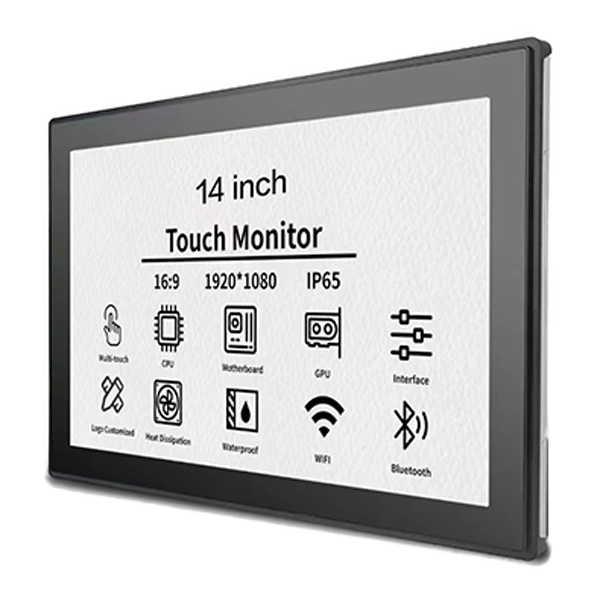
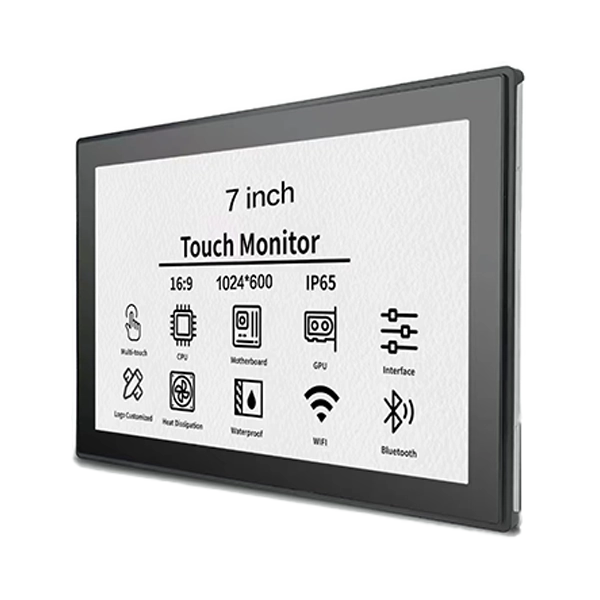
As industrial equipment and self-service systems demand more compact, responsive, and reliable interfaces, SKY-TDM provides the 14 Inch Open-Frame Touchscreen Monitor as a practical display solution for OEM manufacturers, system integrators, and industrial technology developers. Combining a 14-inch interactive screen with an integration-friendly open-frame structure, this monitor can help equipment designers build intuitive human-machine interfaces (HMIs) while maintaining greater flexibility in enclosure design, installation, and system configuration.
A 14-inch open-frame touchscreen monitor is designed for embedded applications where display performance, touch responsiveness, and mechanical integration must work together. Unlike conventional desktop monitors, its open-frame construction allows installation within custom equipment housings, kiosks, control panels, and other purpose-built systems. This guide explores its main features, technical specifications, application scenarios, selection criteria, and integration considerations. It also explains how businesses can evaluate a suitable display configuration and work with SKY-TDM to develop an application-specific touchscreen solution.
1. What Is a 14 Inch Open-Frame Touchscreen Monitor?
2. Key Features and Technical Specifications
3. Where Can a 14 Inch Open-Frame Touchscreen Monitor Be Used?
4. How to Choose the Right Touchscreen Monitor
5. Installation and System Integration Considerations
A 14 Inch Open-Frame Touchscreen Monitor is an interactive display assembly designed to be incorporated into a larger product or machine rather than used as a standalone desktop monitor. Its open-frame design supports integration into custom panels, equipment housings, and recessed mounting structures, giving manufacturers greater control over the finished product's appearance and layout.
For equipment developers, the main advantage is the ability to integrate display and touch functionality directly into an existing system. Operators can use on-screen controls to adjust parameters, monitor operating conditions, enter commands, or navigate software without relying exclusively on physical buttons and external input devices.
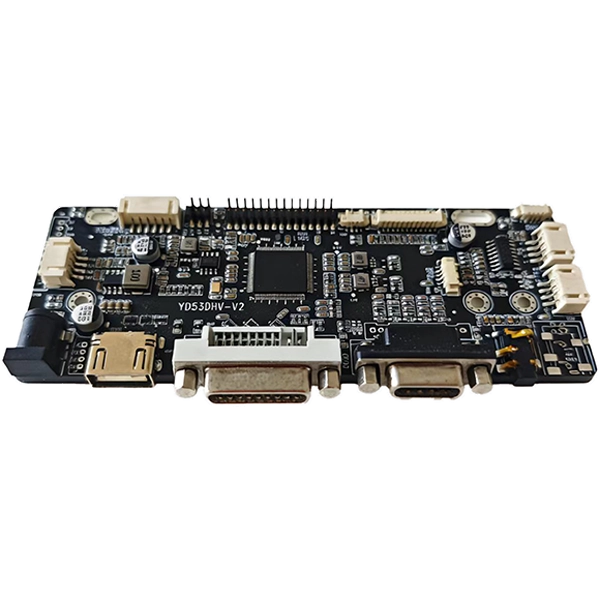
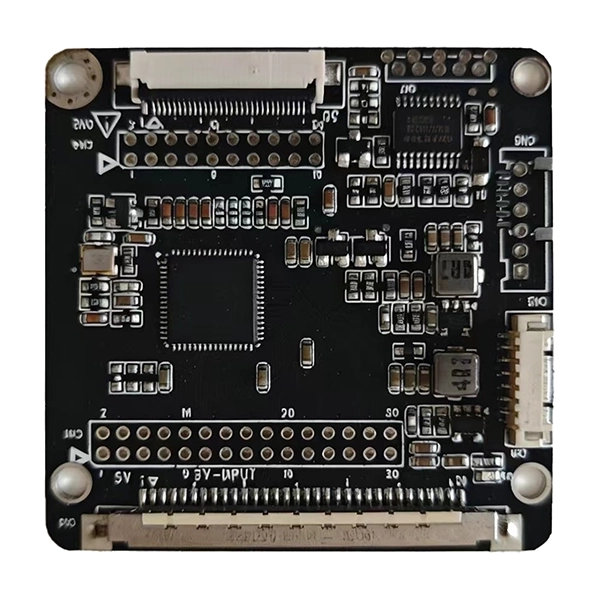
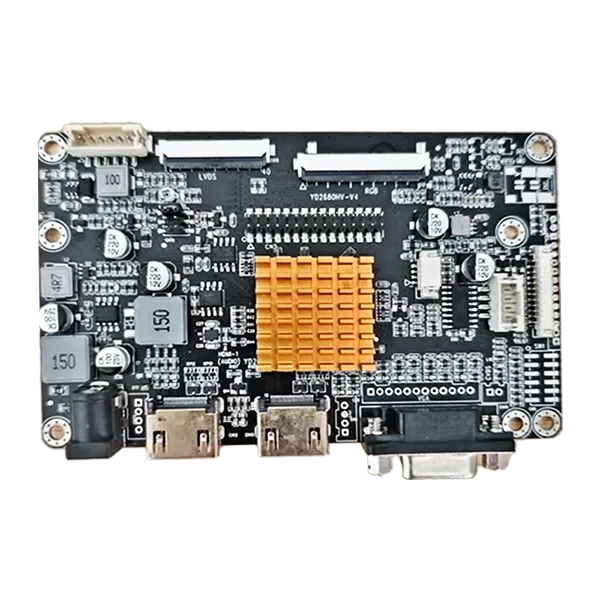
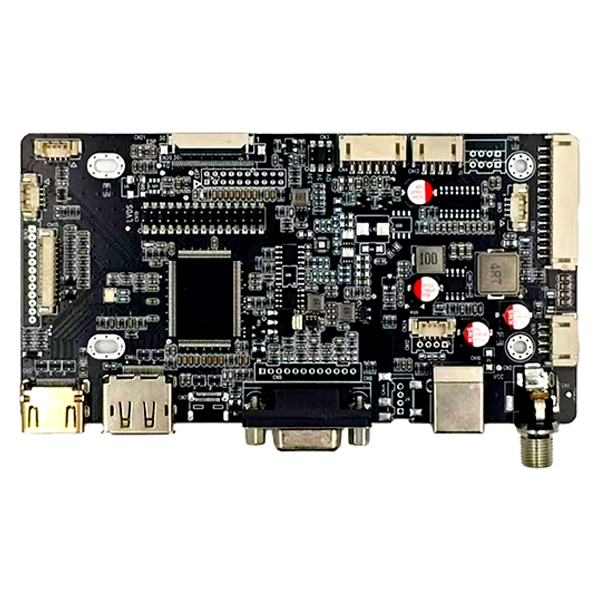
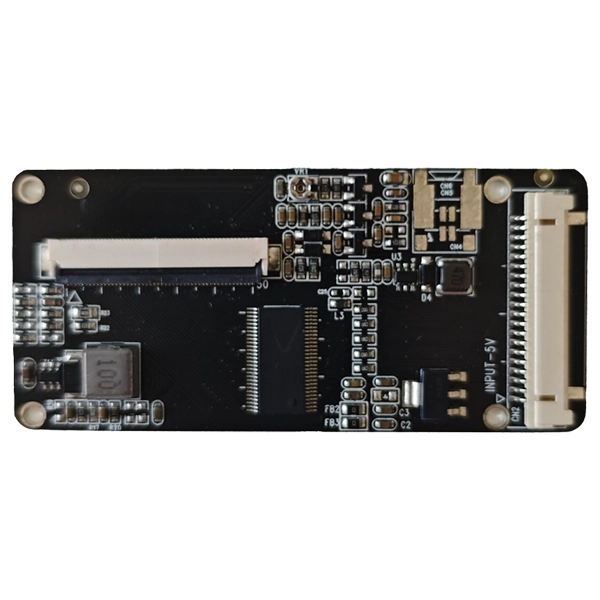
Depending on the selected configuration, an industrial open-frame touchscreen monitor may combine an LCD panel, touch sensor, controller board, and supporting electronic components. The mechanical structure, mounting points, cable routing, and interface selection must be evaluated together to ensure compatibility with the host equipment.
Compared with a conventional desktop monitor, an open-frame solution is particularly useful when:
For product-specific details, visit the SKY-TDM 14 Inch Open-Frame Touchscreen Monitor product page.
When evaluating a 14-inch touchscreen display, buyers should examine more than screen size. Resolution, brightness, touch technology, signal interfaces, mounting design, and operating conditions all influence its suitability for a particular project.
Resolution determines how much information can be displayed and how clearly interface elements appear. A Full HD resolution of 1920 × 1080, as specified for the referenced 14-inch model, can support detailed control panels, menus, status dashboards, and graphical interfaces.
Brightness and viewing angle also deserve attention. A display installed inside a dim equipment cabinet has different requirements from one used in a brightly lit retail terminal. Buyers should evaluate ambient lighting, viewing distance, viewing direction, and the size of on-screen text before finalizing the configuration.
The referenced model lists 10-point capacitive touch technology, allowing multiple touch points to be detected simultaneously. This can benefit interactive interfaces that use gestures, multi-touch controls, or more flexible user navigation.
Capacitive touch is not the only available technology for embedded equipment. Resistive touch may be appropriate for applications requiring a different input method or specific operating conditions. The best choice depends on the software interface, expected users, gloves or other input requirements, and environmental constraints.
| Specification | Reference Configuration | What Buyers Should Consider |
|---|---|---|
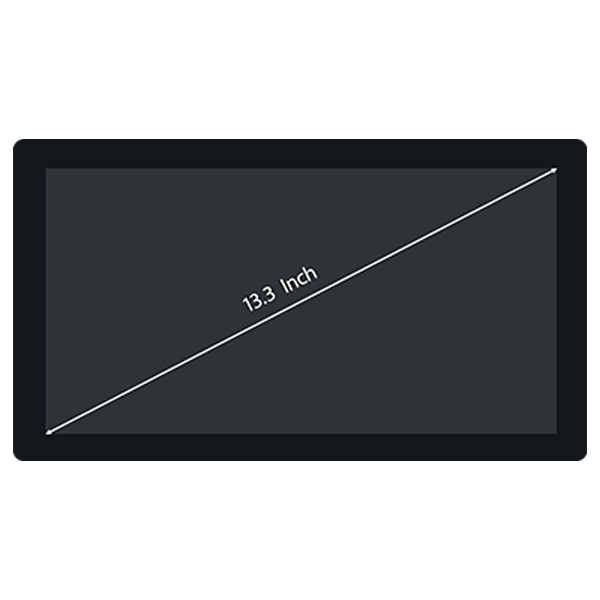
| Screen size | 14 inches | Confirm the active display area and available enclosure space. |
| Resolution | 1920 × 1080 | Check compatibility with the host computer and application software. |
| Viewing angle | 170° / 170° | Evaluate visibility from the intended operator position. |
| Brightness | Minimum 250 cd/m² | Consider higher-brightness options for stronger ambient light. |
| Contrast ratio | 800:1 | Assess readability across typical screen content and lighting conditions. |
| Color support | 16.7 million colors | Suitable color reproduction should match the application's visual needs. |
| Touch technology | 10-point capacitive touch | Confirm operating requirements and the desired touch experience. |
| Response time | Less than 10 ms | Evaluate interaction responsiveness for the intended application. |
| Video connectivity | VGA and HDMI listed | Confirm the exact connector configuration before ordering. |
| Touch interface | USB-A listed | Verify compatibility with the host system and available ports. |
| Power input | DC 12 V / 3 A listed | Confirm the required power supply and connector specification. |
| Mounting | Rear VESA and edge-mounting holes | Check dimensions, fixing points, and clearance against engineering drawings. |
Note: The values above summarize the referenced product configuration. Confirm the latest datasheet, mechanical drawings, interface details, and any customization options with SKY-TDM before purchase or equipment design approval.
A 14-inch display offers a practical balance between interface visibility and installation space. It can accommodate more information than many compact displays while remaining suitable for equipment that cannot accommodate a large-format monitor.
Manufacturing equipment often requires operators to view machine status, change operating parameters, review alarms, and navigate control software. A built-in touchscreen can consolidate these functions into one interface, helping reduce dependence on separate input devices.
For industrial applications, buyers should also evaluate vibration exposure, temperature limits, electromagnetic compatibility, enclosure protection, and expected operating hours. These requirements depend on the complete installation and should not be assumed from screen size alone.
Self-service terminals use touch displays for product selection, transaction steps, information lookup, and service navigation. An open-frame monitor allows the manufacturer to design the outer enclosure around the intended user experience and physical layout.
Potential applications include:
Medical instruments and laboratory systems may use integrated touchscreens to present operating parameters, test progress, system alerts, or user menus. A 14-inch display can provide room for structured information without requiring a large external monitor.
For these projects, procurement teams should verify the complete device's cleaning requirements, electrical safety obligations, applicable certifications, and compatibility with the intended medical or laboratory environment. A touchscreen component alone does not establish regulatory compliance for the finished equipment.
Transportation terminals, EV charging systems, parcel lockers, and connected equipment can use embedded touchscreens to guide users through instructions and operating steps. In these applications, sunlight exposure, vandal resistance, touch behavior, and continuous-operation requirements may influence the final design.
For additional options, explore SKY-TDM's open-frame touchscreen monitor range to compare available display sizes and configurations.
Selecting a suitable 14 Inch Open-Frame Touchscreen Monitor begins with the equipment's functional requirements rather than the display specification sheet alone. A structured review helps prevent interface mismatches, mounting problems, and unnecessary redesign work.
Identify who will operate the equipment, what information must be displayed, and how users will interact with the screen. An interface designed for machine technicians may prioritize detailed data and precise controls, while a public-facing kiosk may require larger buttons and a more intuitive navigation structure.
Some projects need only a standard display assembly, while others require changes to cover glass, surface treatment, brightness, mounting structure, touch interface, or controller configuration. Identifying these needs early helps the supplier assess technical feasibility before prototype development.
Buyers should request a formal quotation and confirm which features are standard, which are optional, and which require engineering development. This is especially important for OEM programs with strict mechanical or electrical requirements.
A reliable display installation depends on coordination between the touchscreen monitor, host system, enclosure, power supply, and application software. Even a display with appropriate image and touch performance may be unsuitable if its connectors or mounting structure do not match the equipment design.
Before production, compare the monitor's dimensional drawing with the equipment's CAD model or panel cutout. Check mounting-hole positions, bezel overlap, internal clearance, cable routing, and access to connectors. Allow sufficient space for servicing and avoid applying uneven pressure to the display assembly.
Thermal conditions also matter. Enclosures can restrict airflow and increase the temperature around electronic components. Evaluate the complete system under representative operating conditions and follow the supplier's installation recommendations.
Confirm that the host system supports the monitor's video interface and resolution. Touch input generally requires a separate connection, so the video cable and touch cable should both be included in the integration plan.
Before deployment, test the following:
For larger production runs, establish incoming inspection criteria and an installation test procedure. Documenting these checks can make assembly more consistent and help identify problems before finished equipment reaches customers.
Choosing a touchscreen supplier involves more than comparing screen prices. OEM buyers also need engineering communication, predictable production quality, configuration support, and a clear process for moving from sample evaluation to mass production.
SKY-TDM specializes in touch panels, open-frame touchscreen monitors, LCD displays, and LCD driver boards. Its product and service portfolio supports integrated touch-and-display projects for industrial and commercial equipment manufacturers.
Potential benefits of working with an experienced display supplier include:
These capabilities are particularly relevant when a display is part of a larger machine or product platform. Early communication with the supplier can help engineering teams resolve compatibility questions before tooling, enclosure manufacturing, and software validation are finalized.
To discuss a specific project, visit the SKY-TDM official website and prepare the application description, target quantity, interface requirements, and mechanical drawings for technical review.
A 14 Inch Open-Frame Touchscreen Monitor is an interactive display designed for integration into equipment, kiosks, control panels, and custom enclosures. Its open-frame construction gives equipment manufacturers more flexibility than a conventional standalone desktop monitor.
The referenced product specification lists a resolution of 1920 × 1080 pixels. Buyers should confirm the current product datasheet and configuration before placing an order.
The referenced configuration lists 10-point capacitive touch technology. This supports multi-touch interaction, subject to compatibility with the host system, operating system, drivers, and application software.
The reference configuration lists VGA and HDMI connectivity. Other interface options may be available depending on the selected configuration. Confirm the exact connectors, signal requirements, and controller-board compatibility with SKY-TDM.
SKY-TDM offers OEM and ODM customization services across its touch and display product portfolio. Depending on project feasibility, customers can discuss mounting structures, touch technologies, surface treatments, brightness options, and interface configurations with the engineering team.
It can be suitable for industrial equipment when its electrical, mechanical, thermal, and environmental specifications match the application. Buyers should verify temperature limits, vibration tolerance, operating hours, enclosure protection, and electromagnetic compatibility instead of assuming that every open-frame display meets every industrial requirement.
Provide the intended application, required screen size and resolution, touch technology, video and touch interfaces, mounting dimensions, operating environment, estimated order quantity, and any customization requirements. Drawings or reference samples can help the supplier evaluate compatibility more accurately.
Request the latest mechanical drawing and electrical datasheet. Compare the mounting points, overall dimensions, panel cutout, cable routing, power requirements, and interface connections with your equipment design. Prototype testing is recommended before committing to large-scale production.
A 14 Inch Open-Frame Touchscreen Monitor can provide a practical balance of interactive functionality, display clarity, and flexible mechanical integration for industrial controls, self-service kiosks, medical instruments, and smart commercial equipment. The best solution depends on selecting the right combination of resolution, brightness, touch technology, interfaces, mounting structure, and environmental specifications. By defining these requirements early and verifying compatibility through technical documentation and prototype testing, OEM manufacturers can reduce integration risks and build a more dependable user interface. If you are sourcing a 14 Inch Open-Frame Touchscreen Monitor for a new product or an existing equipment upgrade, contact us at SKY-TDM to discuss your application, request detailed specifications, and explore a customized touchscreen display solution for your project.