Tiancheng Zhixian (Shenzhen) Technology Co., Ltd.
News

What's the best choice for an industrial HMI project?

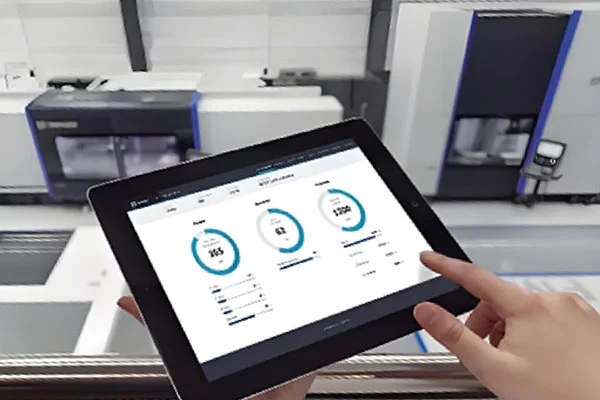
2026-09-23 0 Leave me a message

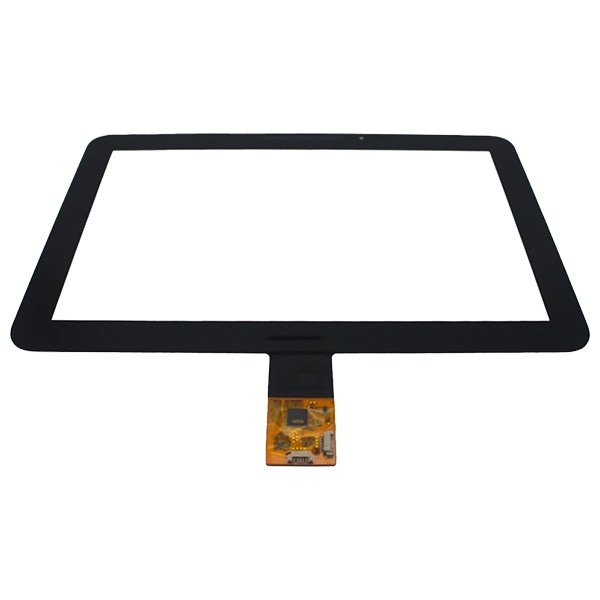
When choosing capacitive touch panels for industrial equipment today, the main focus is usually on screen size, touch points, cover glass, and optical lamination. Yet, one key technical spec shouldn't be ignored: the touch signal interface.


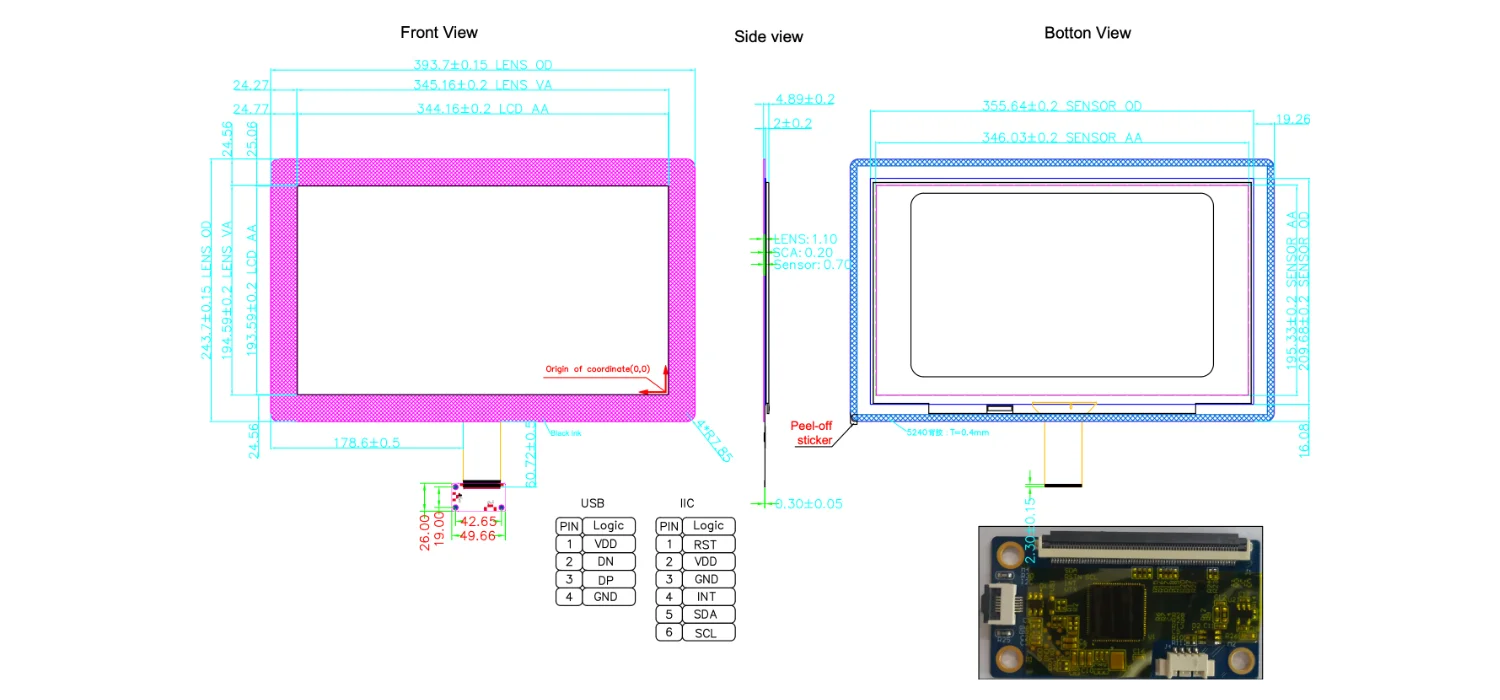
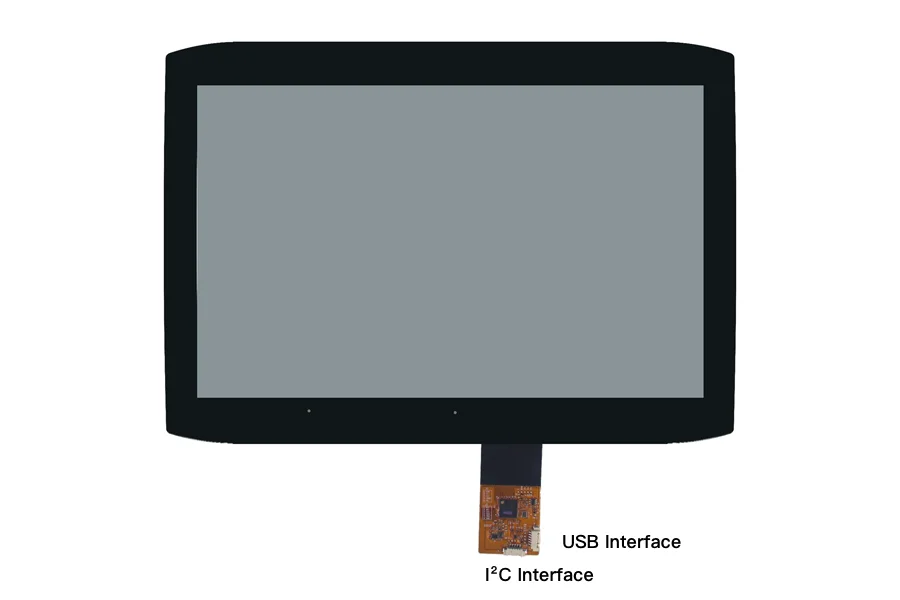
What is the real difference between USB and I²C for industrial capacitive touch panels? And more importantly, how should you choose the right interface for your project?

For OEM and ODM clients, the choice largely depends on the host system, controller architecture, software environment, and mechanical design.

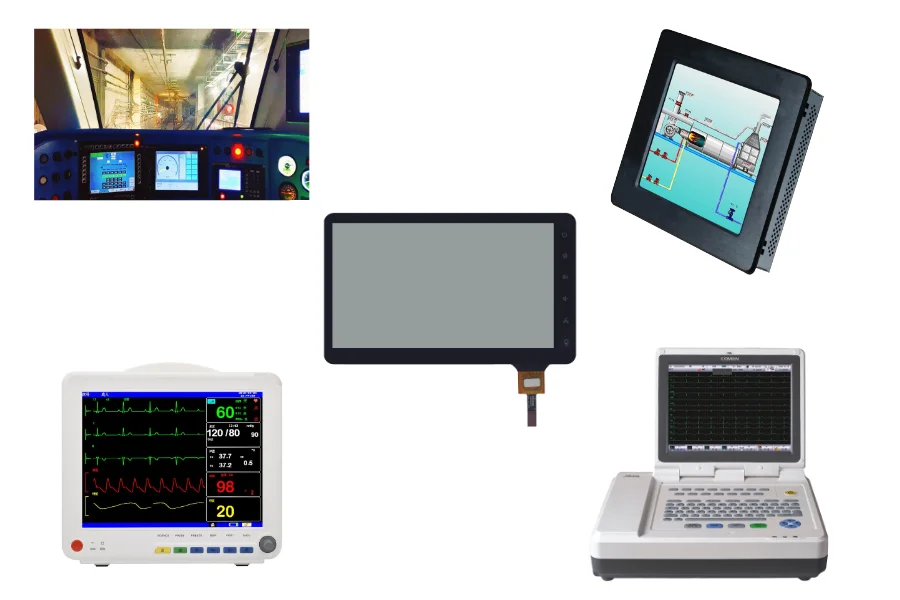
SKY-TDM offers customized capacitive touch panels for industrial HMIs, medical devices, embedded systems, smart terminals, and automation applications, with support for USB, I²C, and other interface options.


What is a USB touch panel?

It transmits touch data to the host system using the USB communication protocol. Since USB is one of the most common peripheral interfaces, it is an ideal choice for connecting to industrial PCs, Windows/Linux/Android platforms, self-service kiosks, commercial displays, and embedded computers.

USB's biggest advantage is its convenience. Development teams can easily connect the touch panel to the host system without designing dedicated communication circuits on the main PCB, which greatly reduces the product development time.


What is an I²C touch panel?

I²C is a common serial communication interface in embedded systems.

I²C touch panels communicate directly with microcontrollers or processors via the I²C bus, making them ideal for custom hardware designs.

For instance, if an industrial project already has a main control board, it is usually preferred to connect the touch controller to the processor via I²C. In this case, I²C acts as an inseparable part of the hardware architecture, not just an external peripheral.


USB vs. I²C: What is the main difference?

Feature USB Touch Panel IIC Touch Panel
Integration method External peripheral Embedded communication
Industrial PC Excellent Less convenient
Embedded MCU Possible Excellent
OS compatibility Generally convenient Requires system integration
Development Faster for many PC-based projects Requires hardware/firmware development
PCB integration Less direct Highly integrated
Cable application More flexible Better suited to short connections
Hardware customization Good Excellent
Typical use HMI, kiosk, PC-based terminal Embedded HMI, custom equipment

This is why the same touch panel size may be available in both USB and IIC versions.

The touch technology may be similar, but the system integration method is different.


Advantages of USB Touch Panels

●Easier Integration: For industrial HMI systems, USB touch panels are easier to integrate since the host platform already supports USB.

●Excellent Platform Compatibility: Mainstream operating systems on the market natively support USB, making it the standard interface for Windows, Android, and Linux.

●Ideal for Standalone HMI Systems: When using standalone computers or embedded PCs, USB provides a convenient communication connection.

●Accelerated Development: During the early stages of a project, USB allows for quick evaluation of the touch panel's usability without the need to pre-develop dedicated communication interfaces.


Advantages of I²C Touch Panels

●Designed for Embedded Integration: When a touch panel is directly integrated into an embedded system, the I²C interface is the most suitable choice.

●Simple Bus Architecture: I²C utilizes a two-wire communication structure, which is highly attractive for embedded PCBs with limited interface resources.

●Greater Hardware Control: For customers who independently develop their own control boards and firmware, the I²C interface provides greater control over the touch communication architecture.

●Ideal for Customized Devices: I²C is particularly useful for OEM devices where the touch panel and the main control board are designed synchronously.


Which touch panel interface is better suited for industrial HMIs?

Different interfaces offer different advantages, and no single touch interface fits all industrial HMI scenarios. You can refer to the following guidelines:

●Industrial PCs + Touch Panels: USB is generally the more convenient choice.

●MCUs + Embedded Touch Panels: I²C is typically the optimal choice.

●Custom Control Boards: I²C provides deeper hardware integration.

●Rapid Prototyping: USB can simplify initial testing and evaluation.

●Mass Production: Both USB and I²C are viable; the final decision should be based on the actual hardware and software architecture.

Our touch panels currently offer a variety of USB/I²C capacitive touch panel products, covering different screen sizes for industrial HMI and embedded applications.


Does the interface affect the touch performance of a touch panel?

This is a very important question.

While the communication interface is responsible for transmitting touch data, the overall touch experience is determined by a combination of multiple factors. These primarily include: touch sensor design, touch IC, firmware, sensor routing, cover glass thickness, glove-touch support, EMI/ESD environment, optical lamination process, and the host system. Therefore, choosing between USB and I²C is merely one step in developing an industrial touch panel and does not affect touch performance.


How to Choose the Right Touch Panel Interface?

At the beginning of project design, you can determine the appropriate interface based on the following five key points:

●Check the Host Platform: Will the touch panel be connected to an industrial PC, an Android motherboard, a Linux system, or an MCU?

●Check the Main Controller: Does the motherboard already provide USB or I²C interfaces?

●Check the Mechanical Structure: Where will the touch panel controller be placed? How long should the FPC or ribbon cable be? Where will the connector be installed?

●Check the Software Environment: Does the development team already have the necessary driver or firmware support?

●Check the Production Plan: If the product is about to enter mass production, the interface selection should be confirmed before the final PCB design.


Building a Touch Panel Around Your Product

A professional industrial touch panel should not be selected based solely on screen size. A complete solution requires a comprehensive consideration of the following elements:

Touch Technology → Sensor → Controller IC → Interface → Cover Glass → FPC → Firmware → Mechanical Integration → Application Environment

This holistic approach is especially critical for industrial equipment, medical devices, automation systems, and other products designed for long-term operation.

Therefore, the right interface is not necessarily the one with the highest specifications, but the one that can be reliably integrated into the customer's complete product.


Need Help Choosing Between USB and I²C Touch Panels?

If you are developing industrial HMIs, medical devices, automation systems, self-service kiosks, or embedded products, please provide your touch screen size, host platform, operating system, mechanical drawings, and interface requirements.

SKY-TDM touch panels can recommend the most suitable touch panel and interface configuration for your project.

Contact us today for customized USB, I²C, or combined USB + I²C capacitive touch spanel solutions.


Related News
Leave me a message
X
We use cookies to offer you a better browsing experience, analyze site traffic and personalize content. By using this site, you agree to our use of cookies. Privacy Policy
RejectAccept